Point, scan, done
Aim the camera at any paper. DafScan finds the edges, then crops and straightens the page for you.
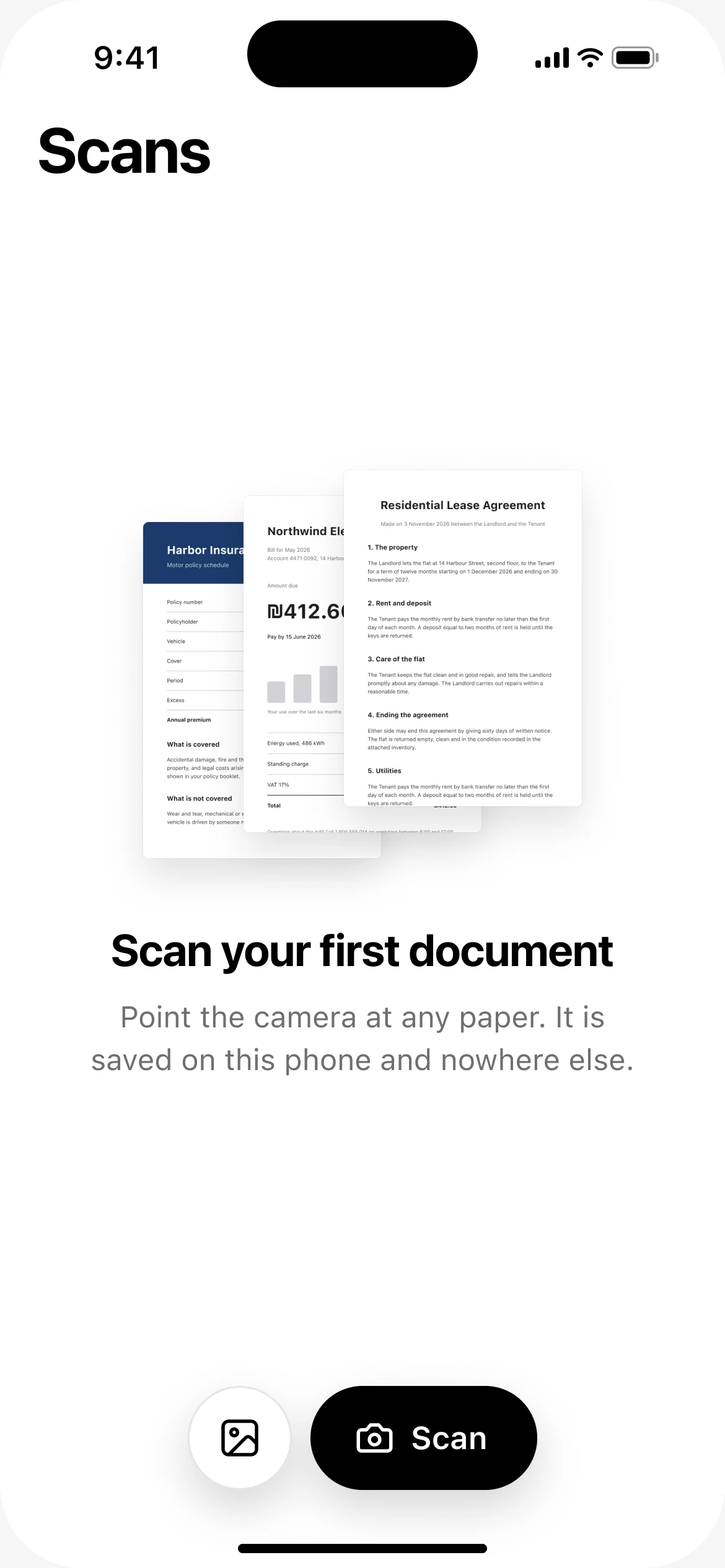
DafScan is a free alternative to CamScanner for iPhone and Android. It turns paper into clean, shareable PDFs right on your phone.
Private by design
Passports, leases, medical bills. DafScan saves every scan in your phone’s own storage and nowhere else.
How DafScan keeps scans privateNo banners, no pop-ups and no ad networks inside the app.
Open the app and scan. No email, no password, no profile.
Scans are saved on your phone. There is no server for them to go to.
Scanning, text recognition and PDF export all run on the device.
Aim the camera at any paper. DafScan finds the edges, then crops and straightens the page for you.
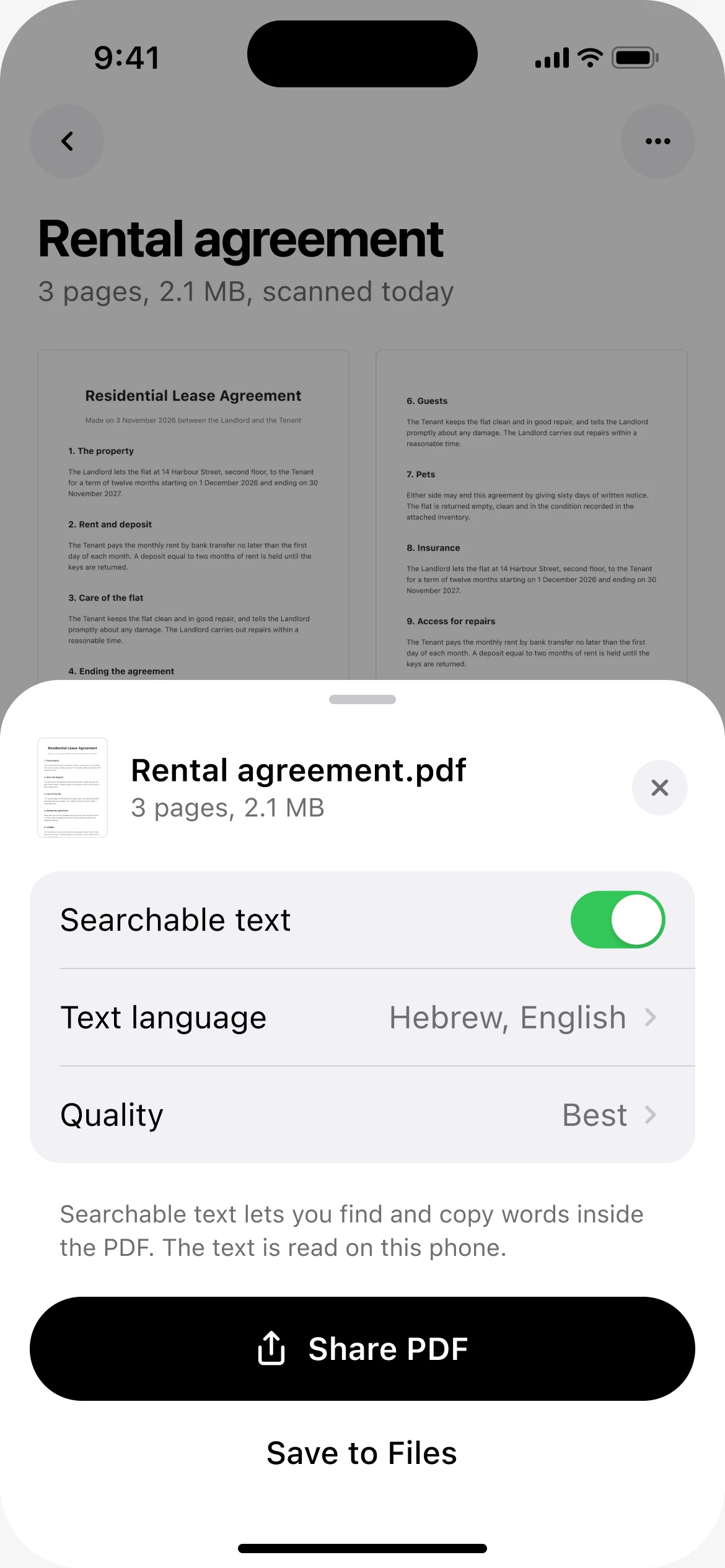
Turn on searchable text to find and copy any word inside the PDF. The text is read on your phone.
Auto, Original, Gray and Black & White filters, plus crop and rotate.
Keep adding pages to a document, then export them all together.
Already took a picture? Import it from Photos and turn it into a scan.
The part you actually use, scanning a page and getting a clean PDF, without the ads, the account or the subscription.
See the full comparison| Feature | DafScan | CamScanner (free) |
|---|---|---|
| Price | Free | Subscription for Premium |
| Ads | None | Yes |
| Watermark on PDFs | None | Yes |
| Account | Not needed | Sign-up to sync |
| Your scans | Stay on your phone | Can sync to its cloud |
CamScanner details from its App Store listing, November 2026.
Short answers to the things people ask most.
Yes. Scanning, filters and PDF export are free. There are no ads, no subscription and no watermark on your PDFs.
Yes. It does the same core job, scanning pages and exporting a clean PDF, with no ads, no account and no cloud upload.
In the app’s own storage on your phone. DafScan has no cloud and no server, so nothing is uploaded.
No. There is nothing to sign up for. Open the app and scan.
Yes. Scanning, text recognition and PDF export all run on your phone.
Yes. Turn on searchable text when you share a PDF. The text is read on your phone.
Your scans live only on your phone, so deleting the app deletes them. Save the PDFs you want to keep to Files first.
Free on iPhone and Android. No ads, nothing to sign up for.