Guide
How to scan to PDF
Scan the page with your phone and save it as a PDF. On iPhone, the Files app does this. On Android, Google Drive does. DafScan does it on both and keeps the PDF on your phone.
Scan to PDF on iPhone
- Open Files and tap the More button (the three dots).
- Tap Scan Documents and capture each page.
- Tap Done, choose a folder, then tap Save.
Scan to PDF on Android
- Open Google Drive and tap the camera button at the bottom right.
- Capture the page. Tap Add for more pages.
- Tap Done, name the file, choose .pdf and tap Save.
Scan to PDF with DafScan
- Open DafScan and tap Scan.
- Hold your phone over the page and capture it. The edges are found, and the page is cropped and straightened.
- Scan more pages if you need them, check the result and tap Save.
- Open the document and tap Share PDF to send it by mail or message, or to save the file.
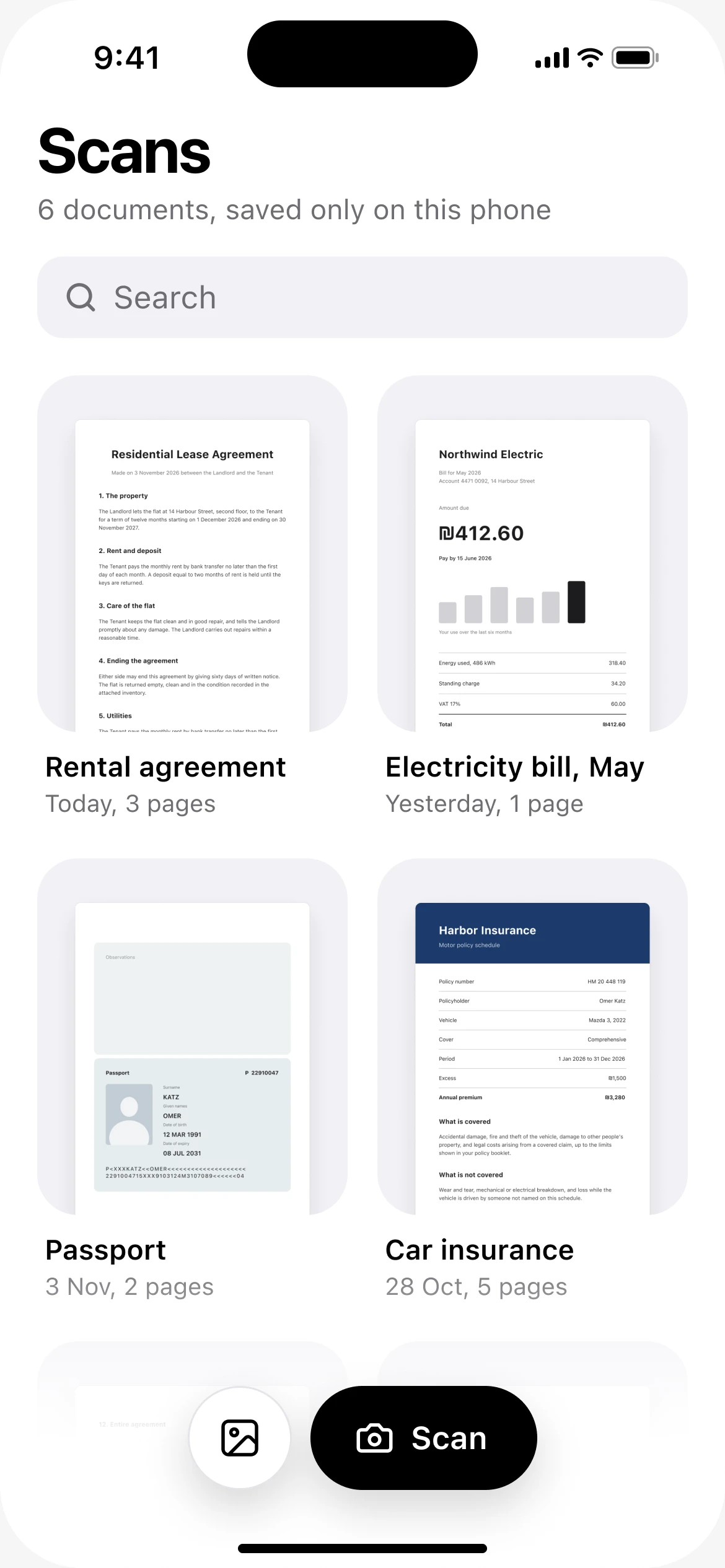
Tap Scan 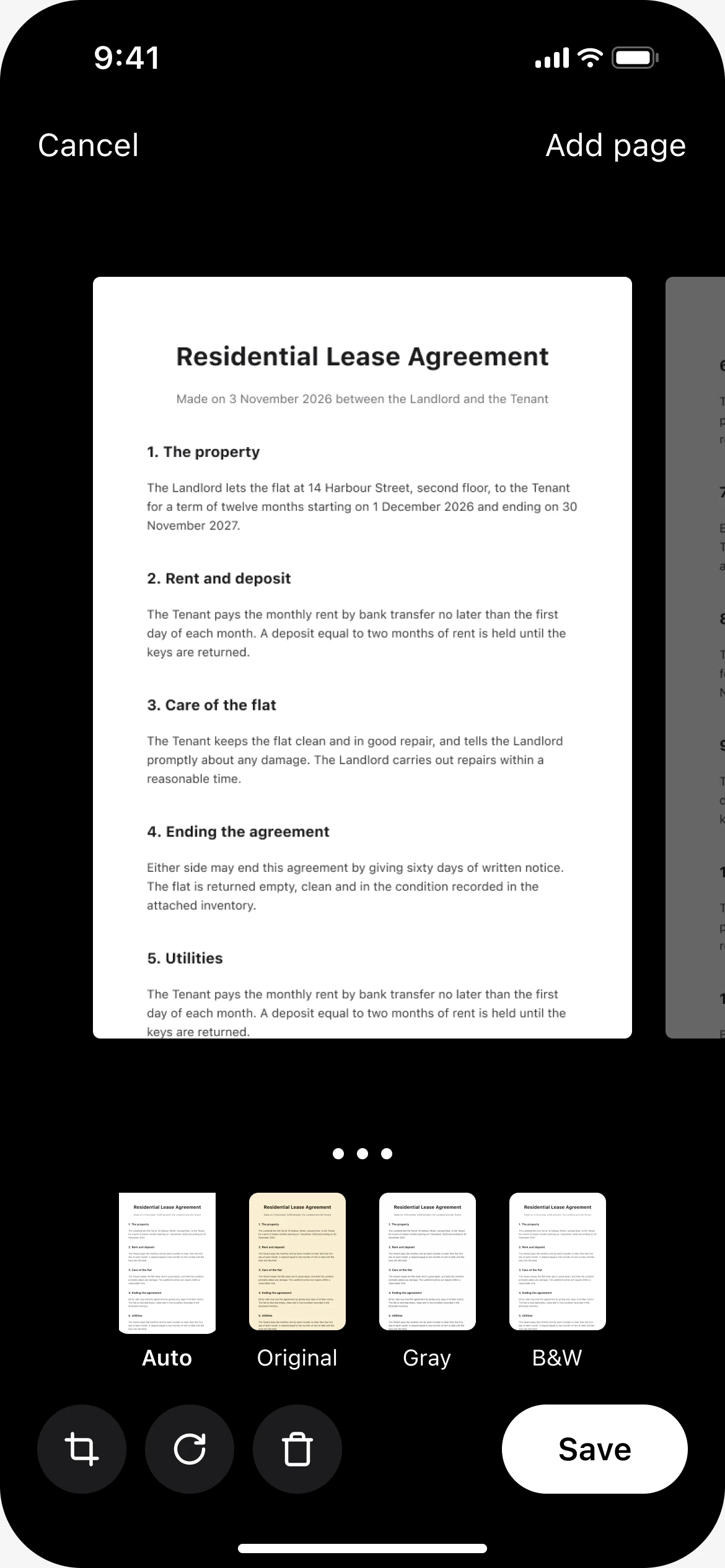
Check the pages and save 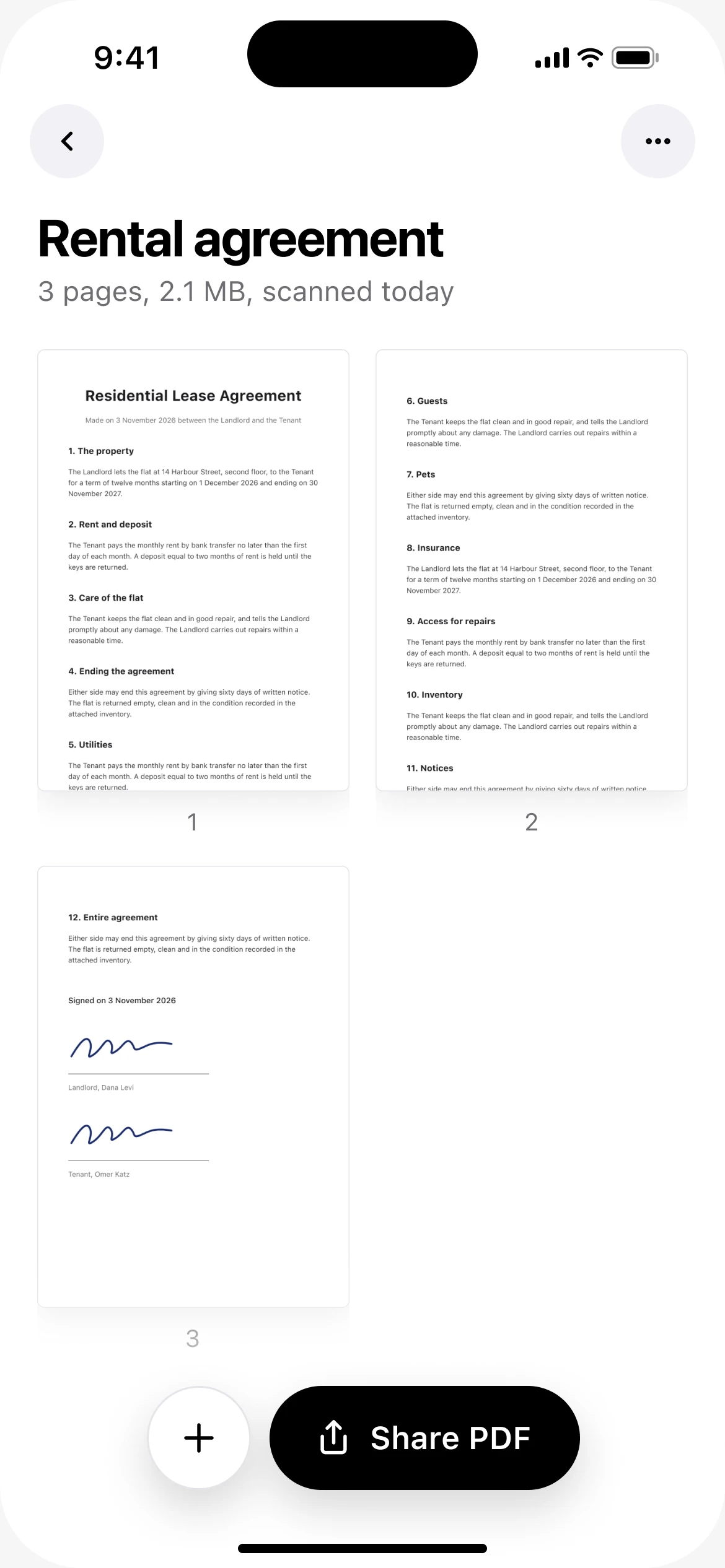
Share the PDF
DafScan is free, with no ads and no account. Every scan is kept as a document on your phone and is never uploaded.
Already have a photo of the page?
You do not have to scan it again. Turn the photo into a PDF instead.
How to turn a photo into a PDFQuestions
How do I scan to PDF for free?
Files on iPhone and Google Drive on Android are free and already on your phone. DafScan is also free, with no ads, no watermark and no subscription.
Can I put several pages in one PDF?
Yes. Keep scanning in the same session and all the pages are saved as one PDF.
Why PDF and not a picture?
A PDF holds many pages in one file, opens on any device and prints at the size of the original page.
Updated November 2026